Your Harvest timer starts when you arrive at work.
Set a geofence around your office, job site, or client location. Walk in, your Harvest timer starts. Walk out, it stops. That's it.
Requires iOS 17+ and an active Harvest account.
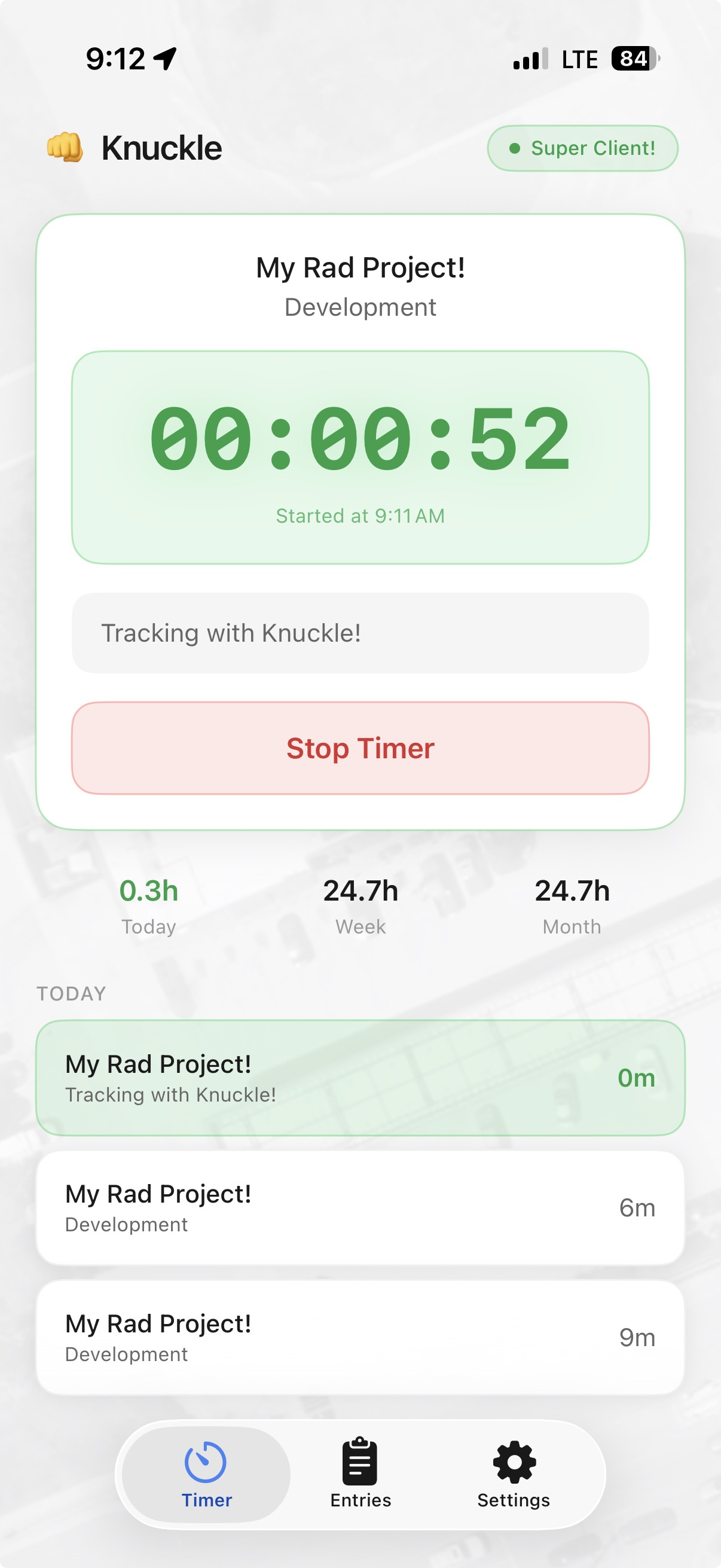
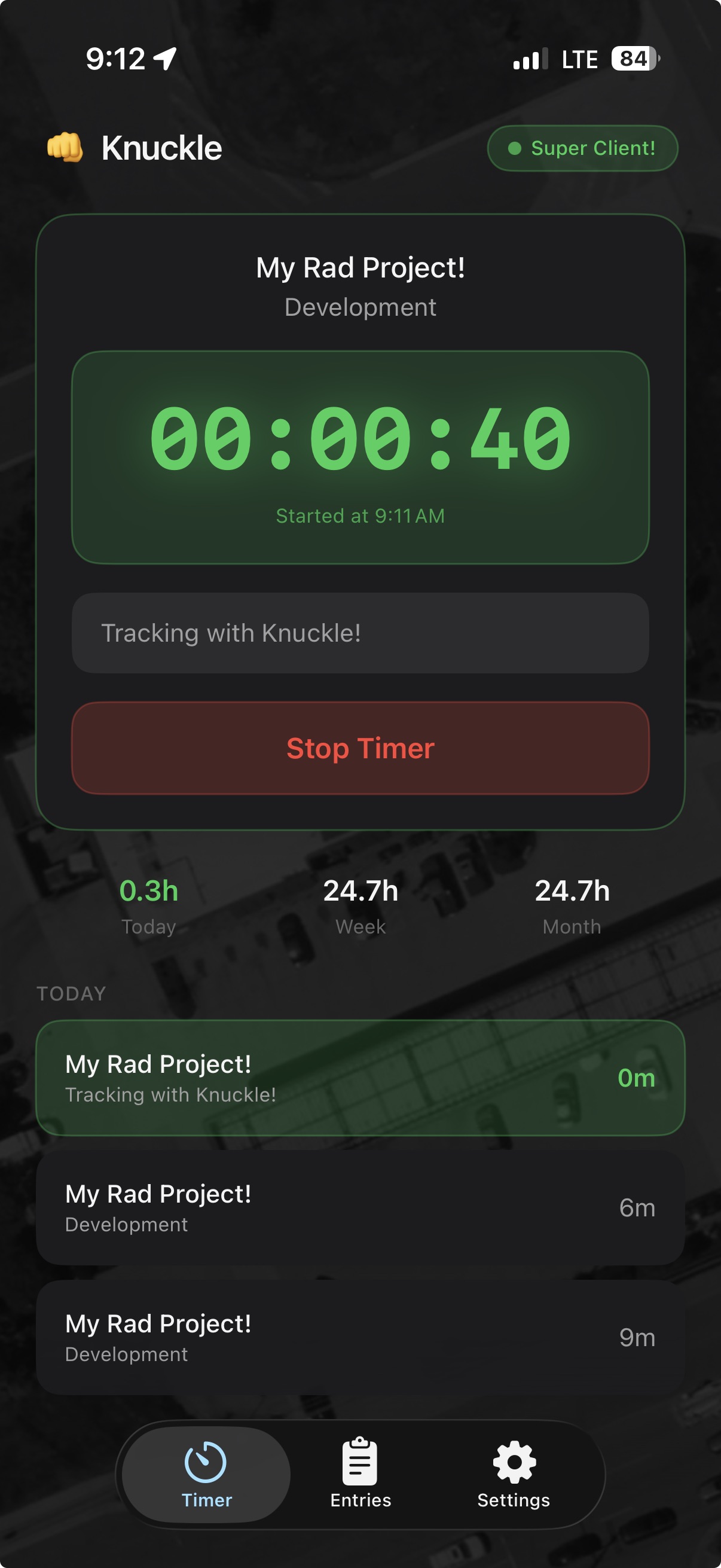
Harvest is great but I work onsite and I just kept forgetting to start my timer. Same place, over and over again, you'd think I'd remember but I don't. Not tracking time properly means I need to estimate at the end of the day and we all know improper time recording either takes money out of your pocket or your clients pocket. Neither is good.
I created Knuckle to solve this by automatically starting and stopping my Harvest timer based on my location. Now my time is tracked automatically and I don't have to remember to start or stop it. I can use that brain space to remember other things like quotes from Say Anything or other random 90's minutiae. Win-win am I right?
Try it yourself
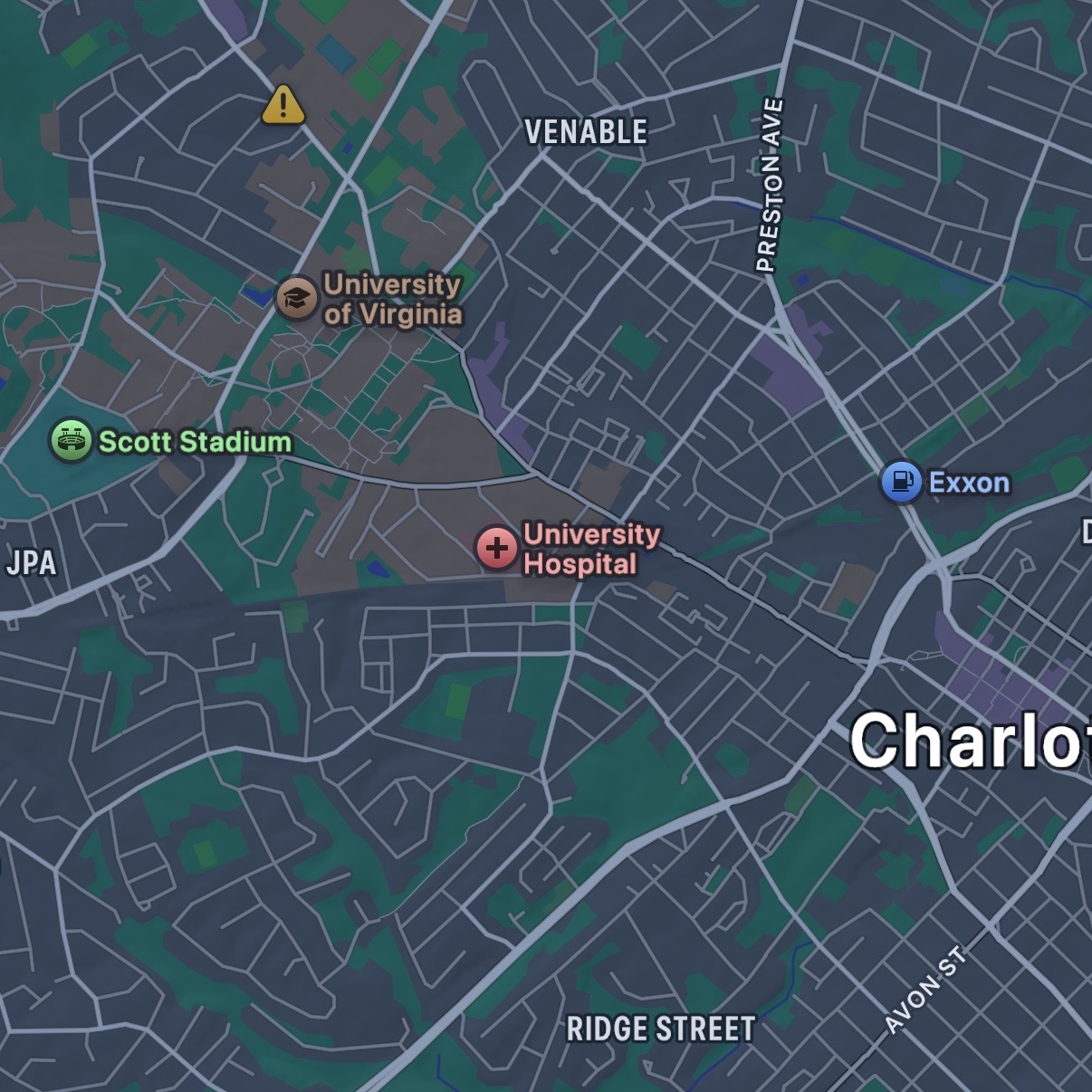
Drag the phone in and out of the geofence
How it works
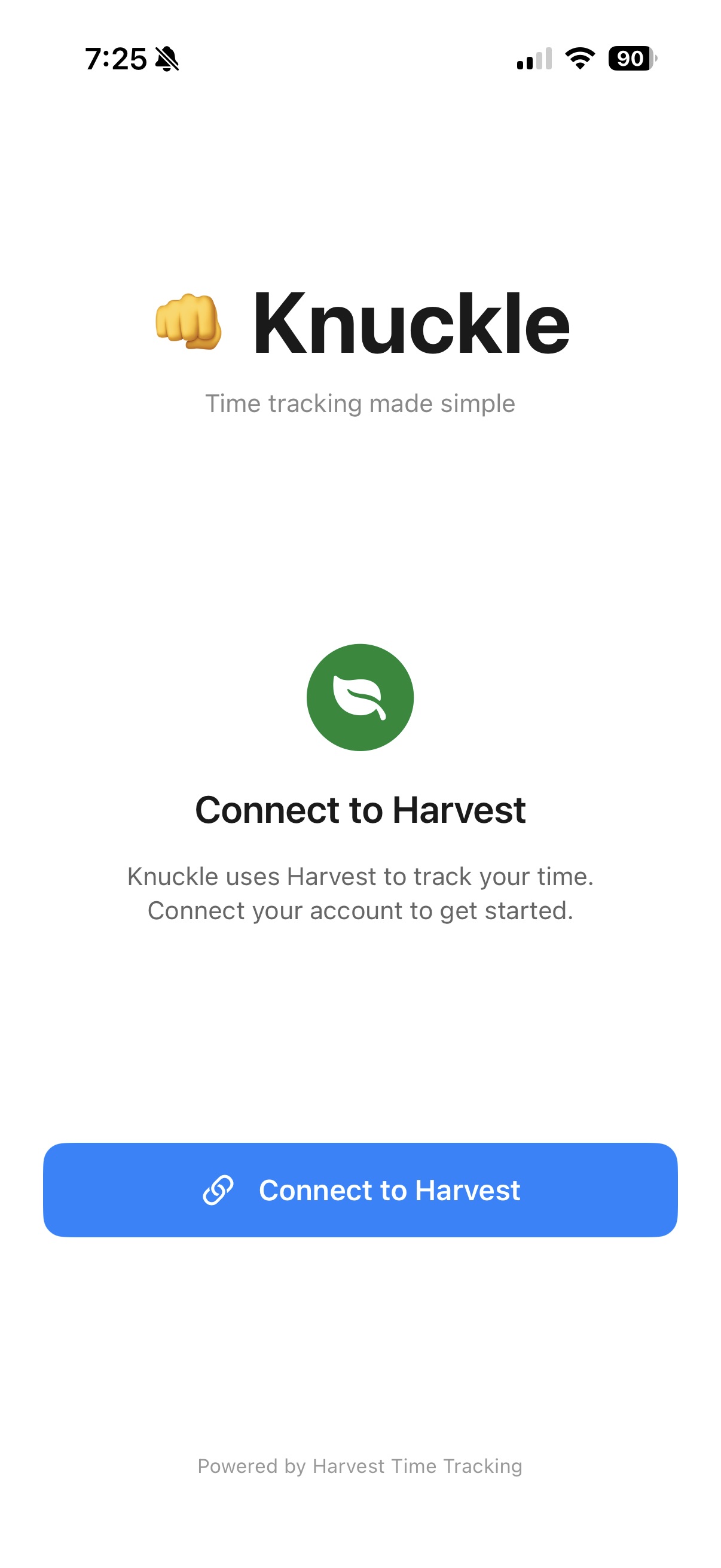
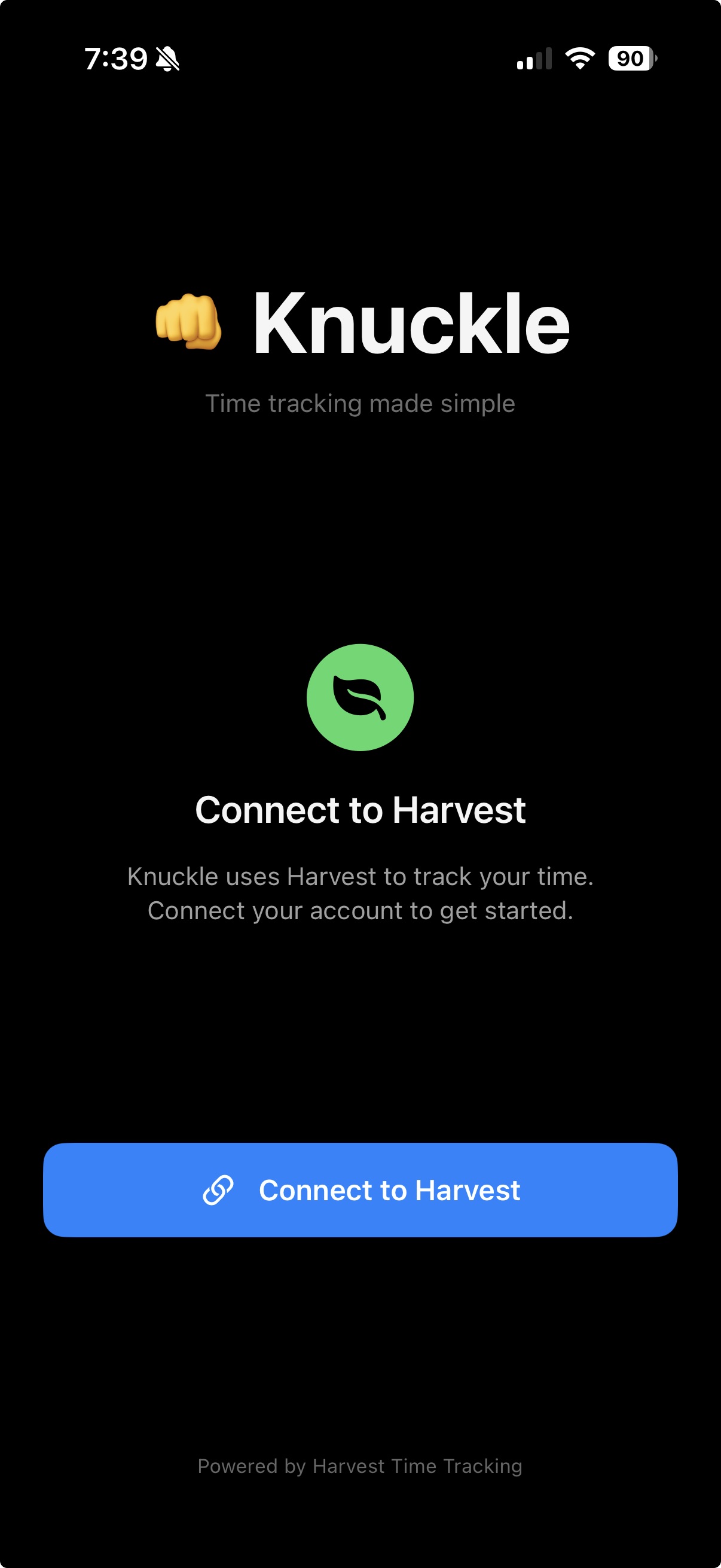
1. Connect Harvest
Sign in with your Harvest account. We use OAuth so we never see your password.
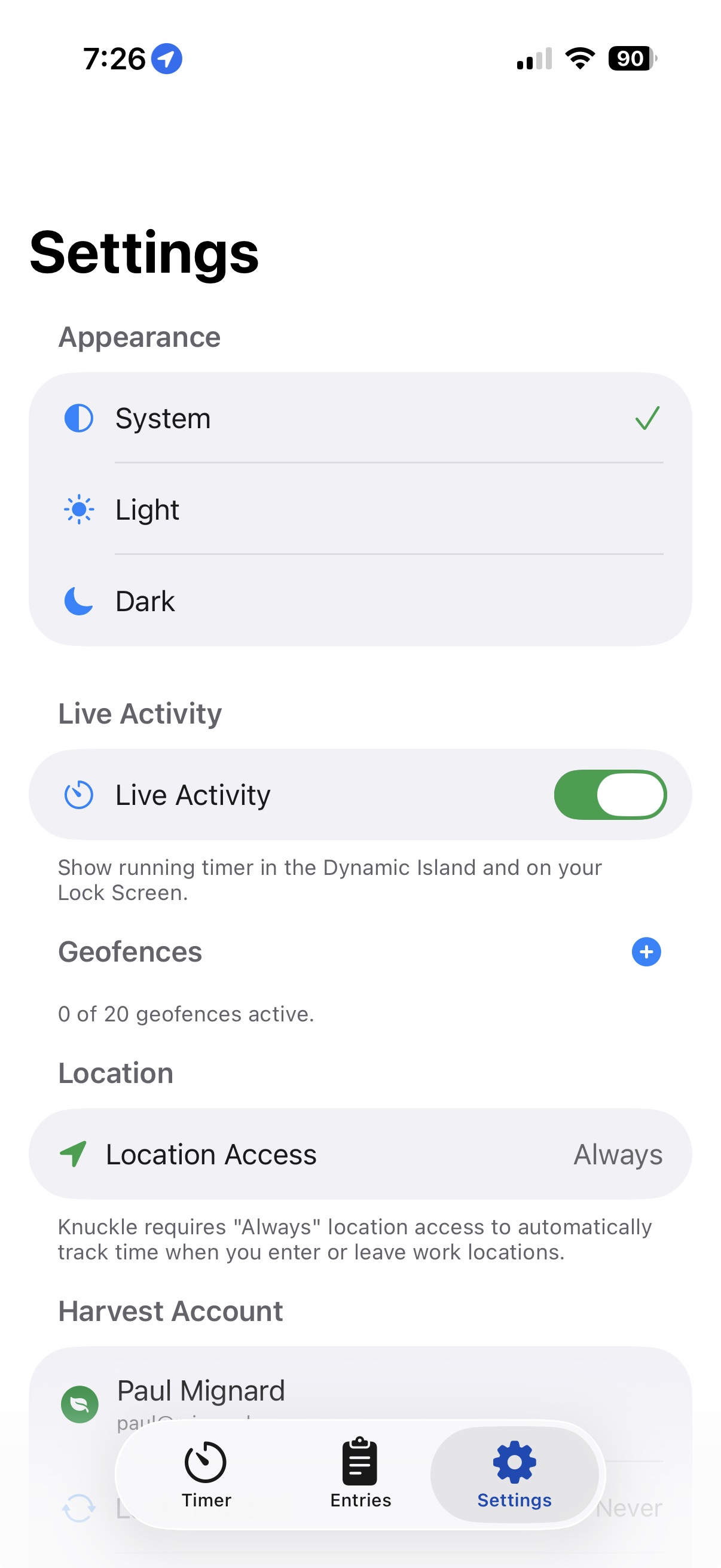
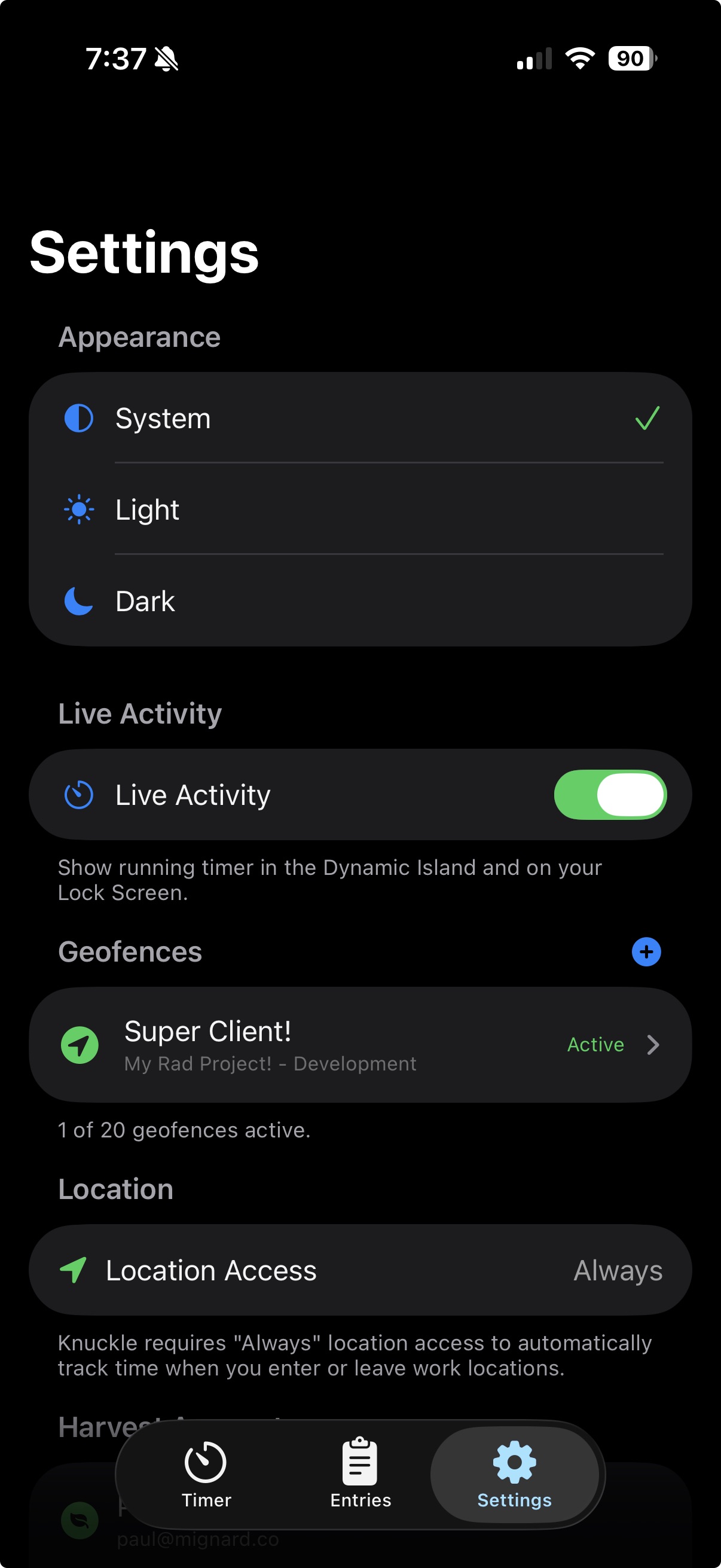
2. Set Location Permissions
Allow location access so Knuckle can detect when you arrive and leave.
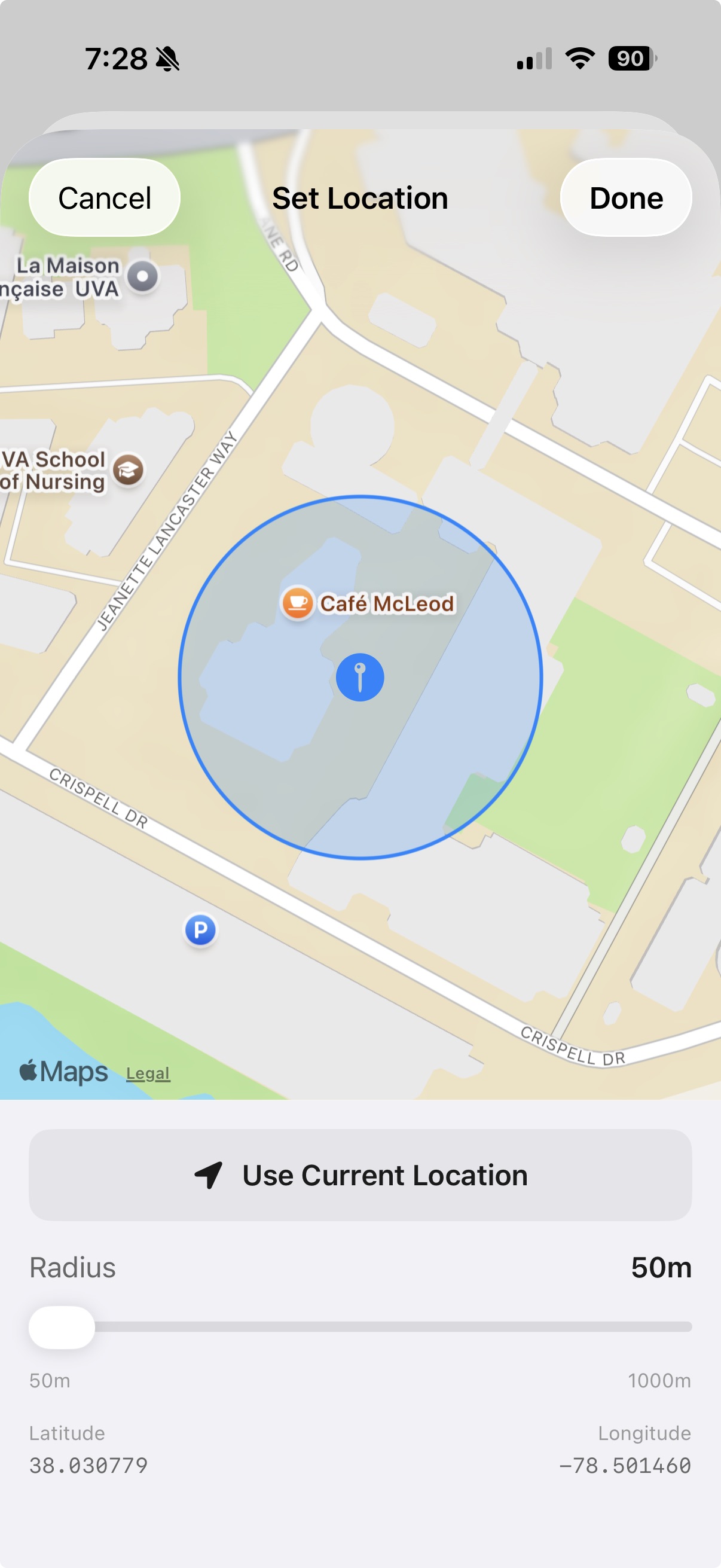
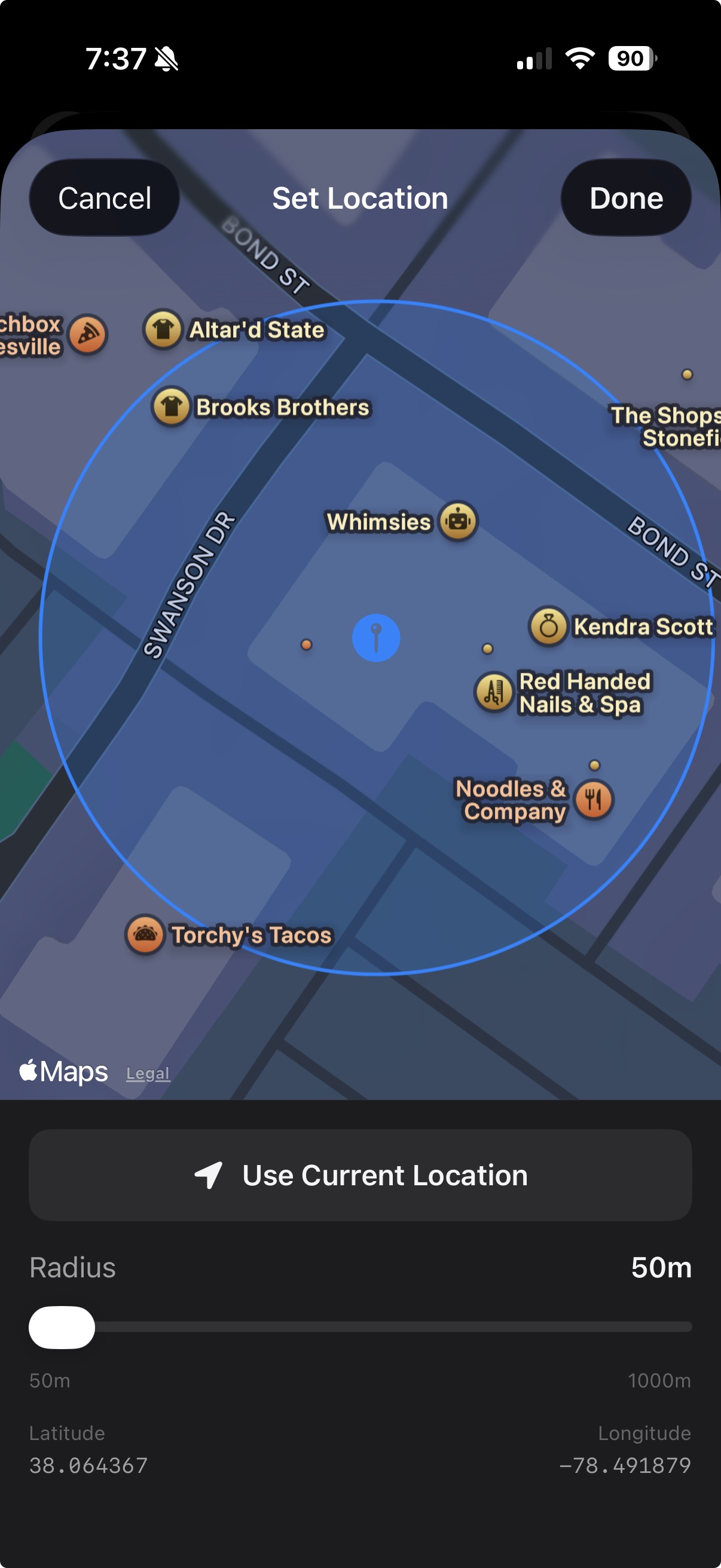
3. Create a geofence
Drop a pin on your workplace and set a radius. Link it to a Harvest project.
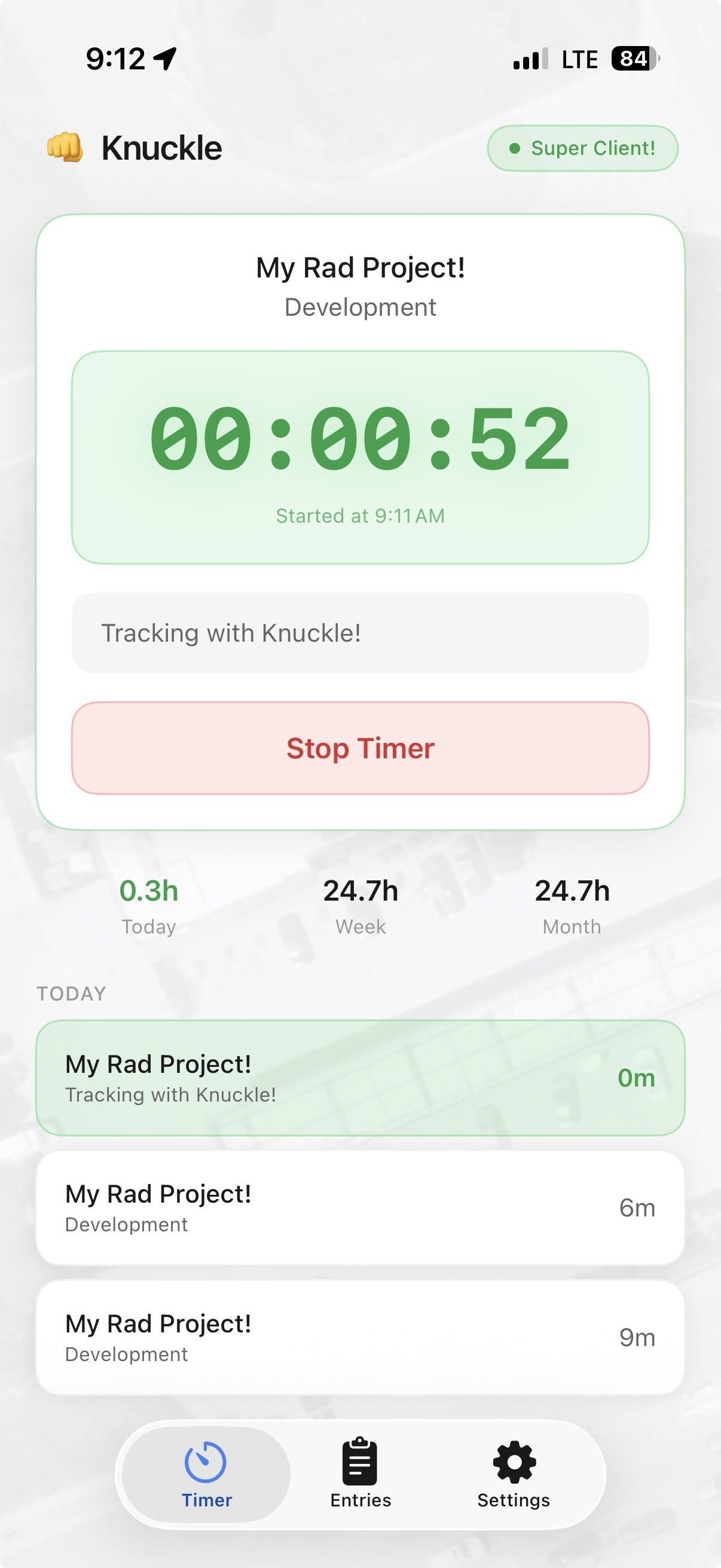
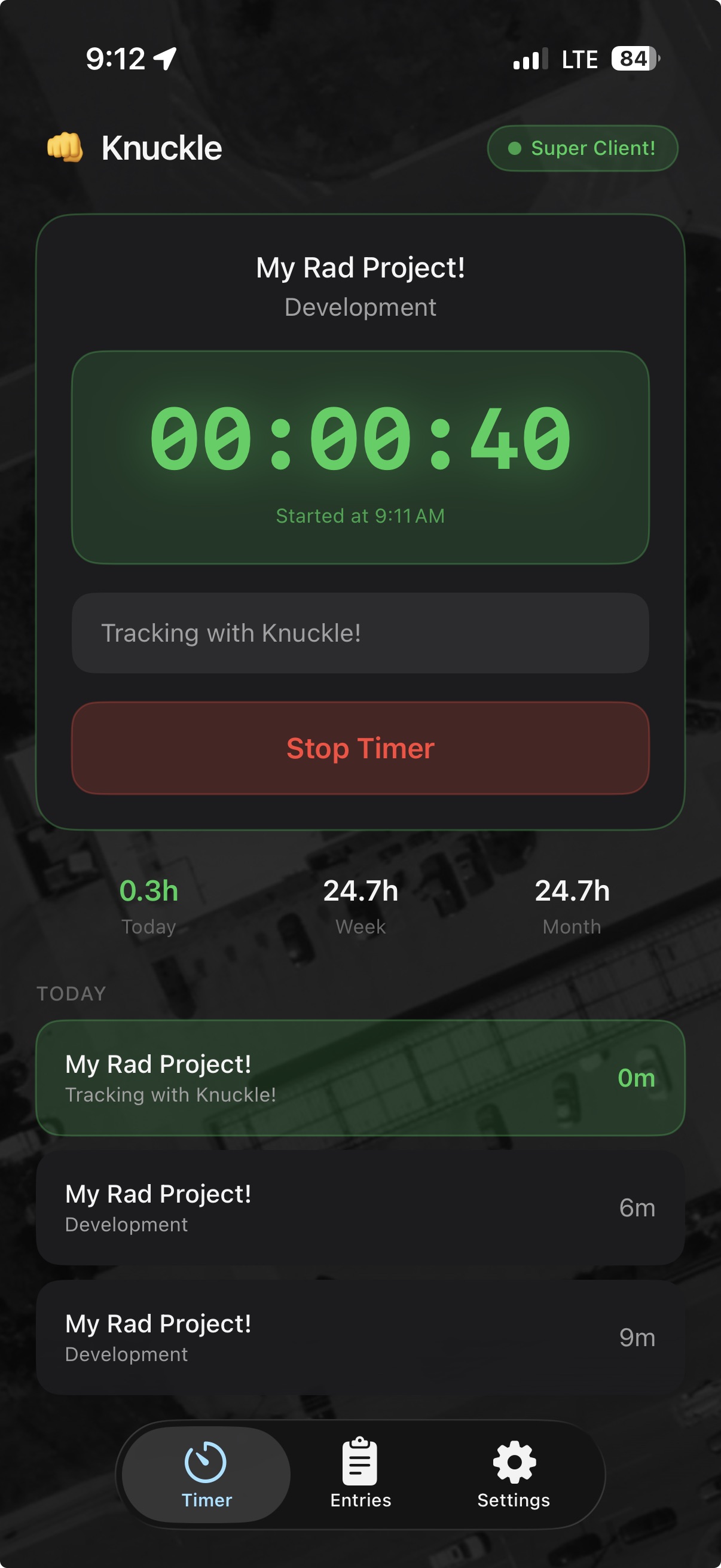
4. Start tracking
Walk into your geofence and your timer starts automatically. Walk out, it stops.
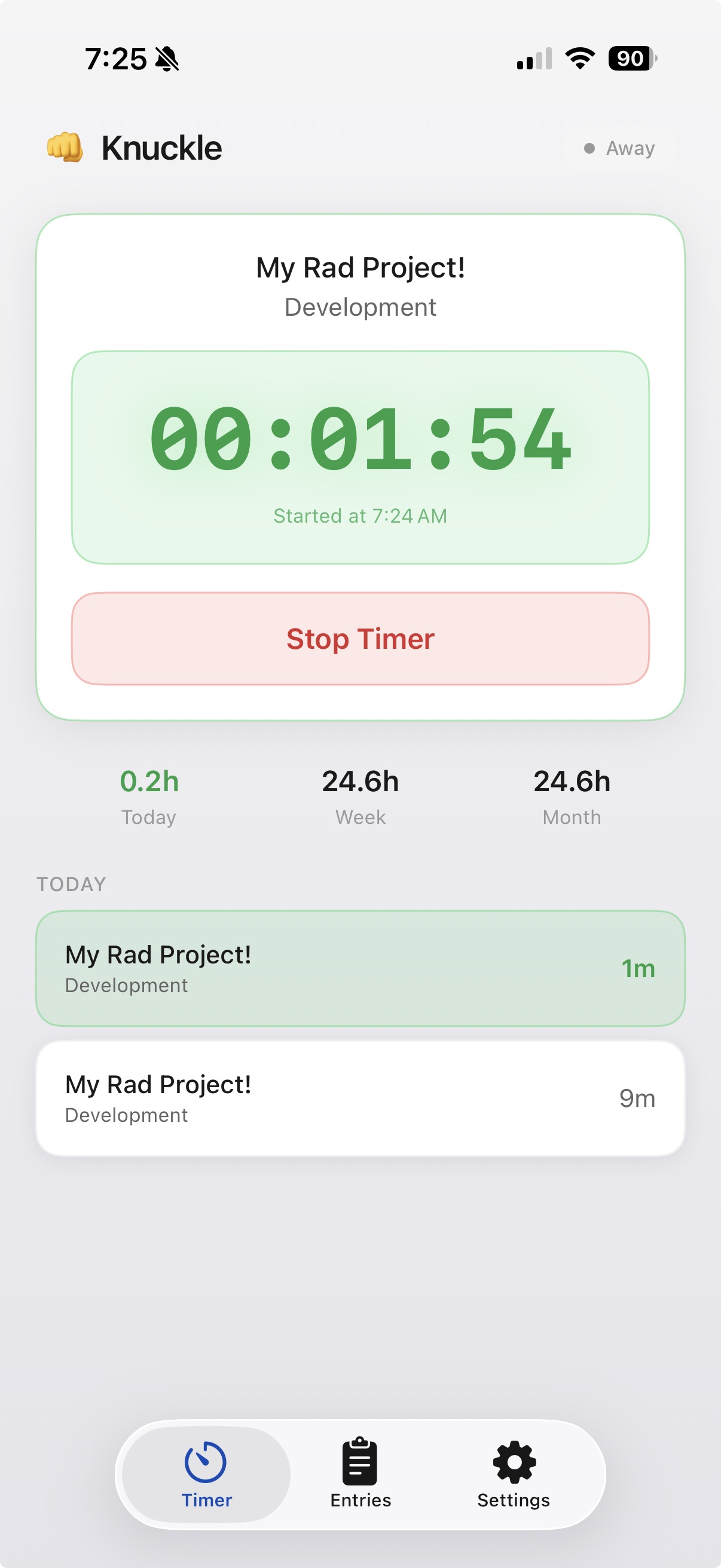
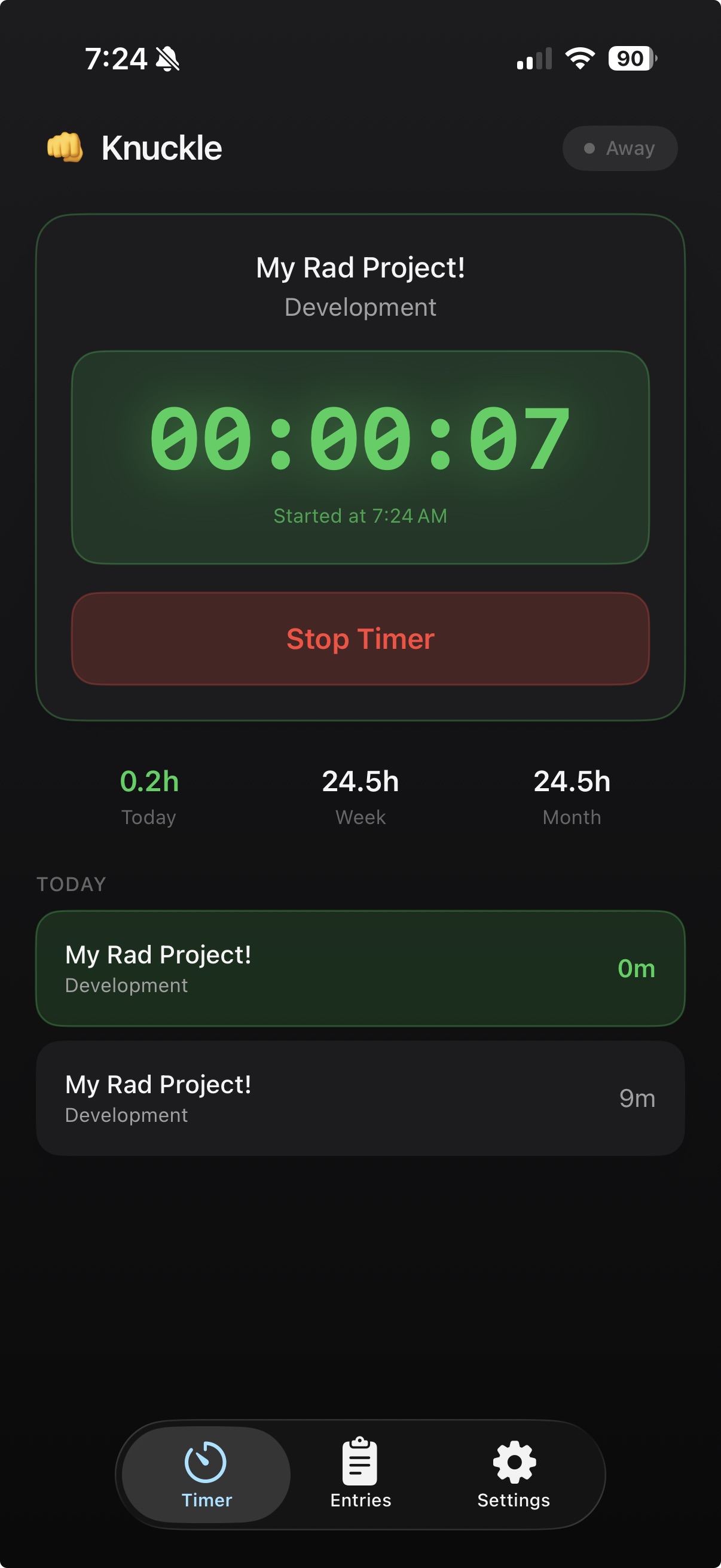
5. Manual tracking if needed
Need to track time outside a geofence? Start and stop timers manually anytime.
Simple pricing
Unlimited tracking
Multiple projects
Requires iOS 17+ and an active Harvest account.
Questions
Why is this called Knuckle?
When I first started building this I actually called it Punch until I realized that nearly everyone else that worked on a time tracking product called it Punch. I switched to Knuckle because I already had fist emoji's all over the project.
Does this drain my battery?
No. Knuckle uses iOS's native geofencing APIs, which are incredibly efficient. Apple handles the monitoring — we don't constantly track your GPS. The system just wakes us up when you cross a boundary.
How accurate is the geofencing?
iOS geofencing typically triggers within 100-200 meters of your boundary. Set your radius a bit larger than your actual location to account for GPS drift. Works best outdoors.
What about my existing Harvest data?
Knuckle just starts and stops timers. All your time entries, projects, and reports stay in Harvest exactly as you'd expect. We don't store any of your time data.
Can I still use manual timers?
Absolutely. Knuckle doesn't interfere with anything. Start timers from the Harvest app, website, or Knuckle — it all works together.
Is there an Android version?
Not yet. iOS only for now because Android's geofencing APIs are less reliable for background tracking. Maybe someday.
Are you tracking my location?
No. Knuckle doesn't track or store your location. We use iOS's geofencing system, which means Apple monitors whether you've crossed a boundary — we just get a "yes" or "no" ping. We never see your GPS coordinates.
Are you looking at my Harvest data?
Nope. We only access the minimum needed to start and stop timers: your project list and active timer status. We don't read your time entries, reports, invoices, or anything else. Your Harvest data stays in Harvest.
Are you sending my location to Harvest? Or anywhere?
Absolutely not. Your location never leaves your device. When you cross a geofence, Knuckle sends a "start timer" or "stop timer" command to Harvest — that's it. No coordinates, no location history, nothing.

Hey, I'm Paul
I kept forgetting to start my Harvest timer when I got to work, and forgetting to stop it when I left. So I built Knuckle to solve my own problem. It's just me — no big company, no investors, no tracking beyond what's needed to start and stop your timer. If you have questions or feedback, just shoot me an email.